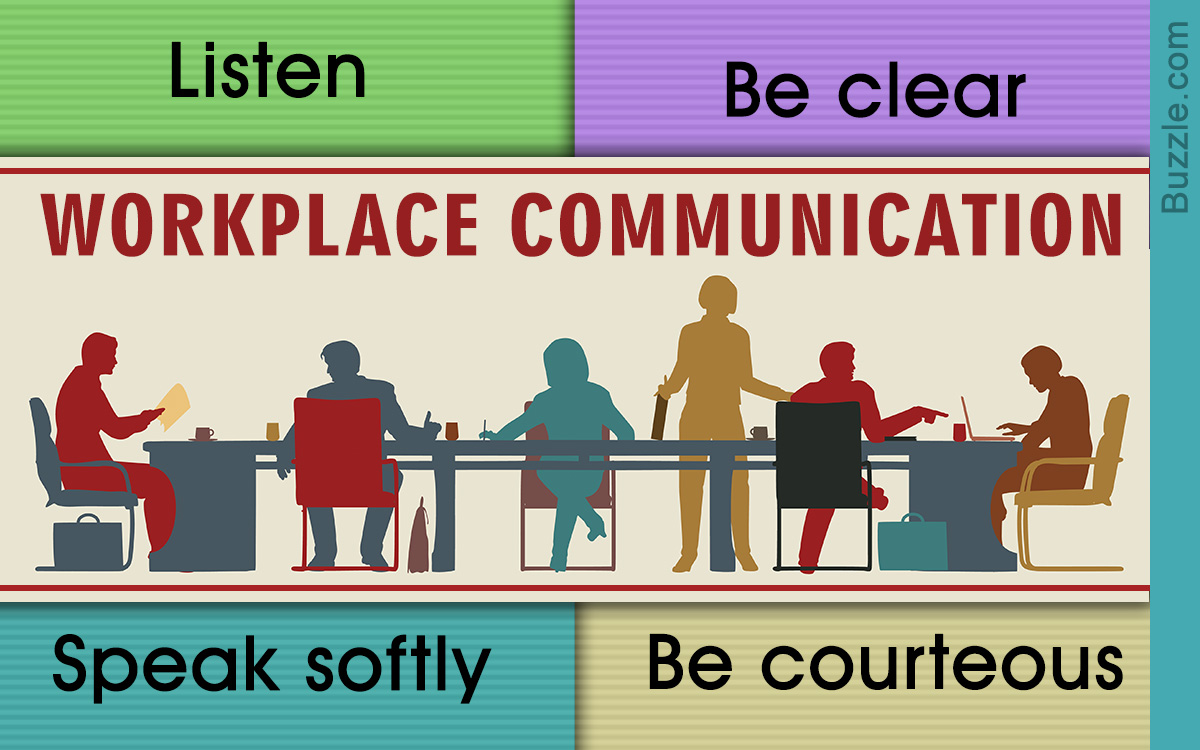
Enhanced Understanding and Retention:
- Visuals make complex concepts and data easier to understand and remember.
- Charts, graphs, and diagrams convey information in a simplified and intuitive way.
- Employees can quickly grasp and retain key messages, leading to improved comprehension and retention.
Clearer Communication:

- Visuals provide a common language that transcends cultural and linguistic barriers.
- Visuals clarify ambiguous or complex ideas, ensuring that everyone is on the same page.
- Presentations and reports become more engaging and impactful, fostering better communication.
Enhanced Collaboration:
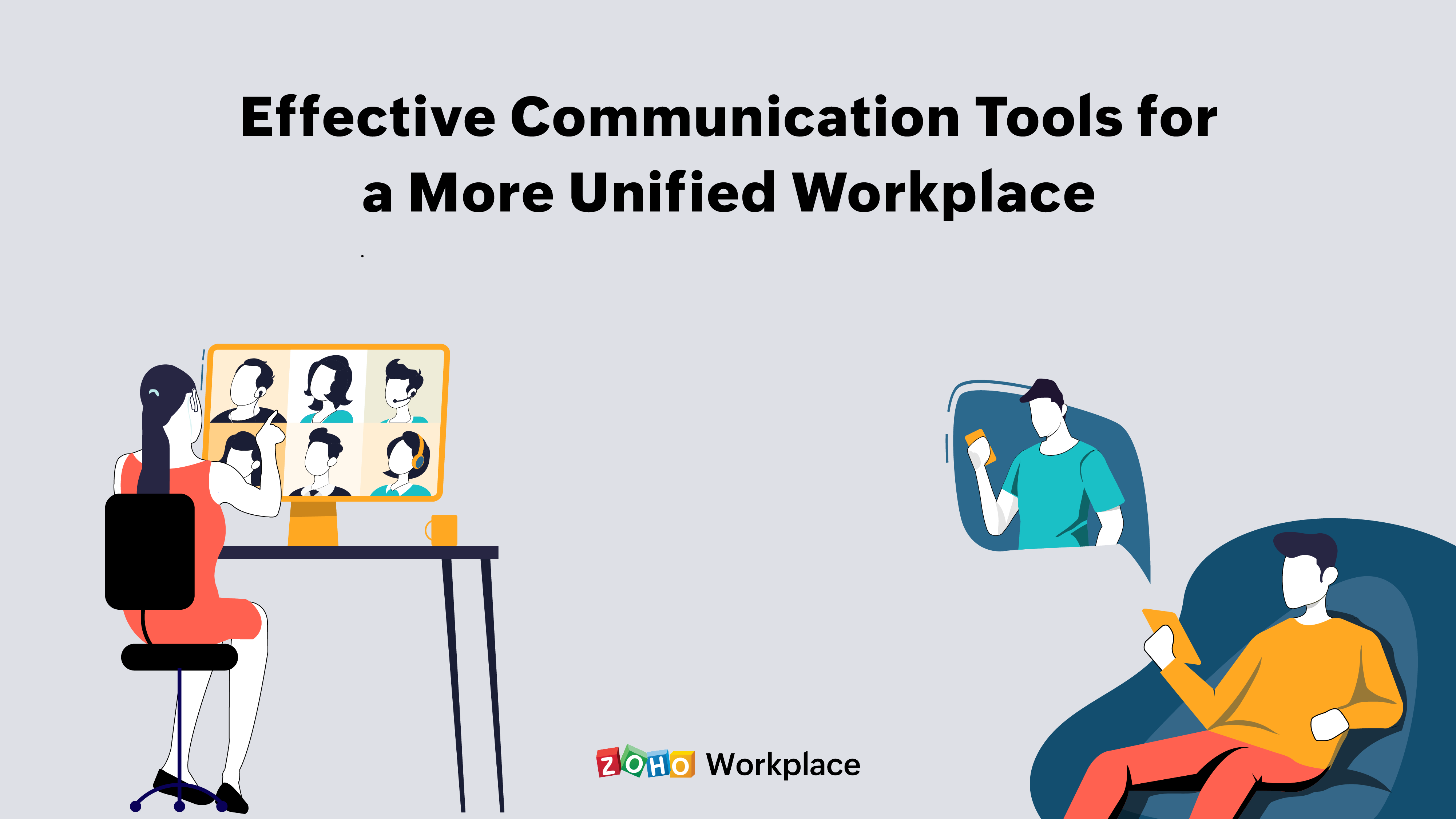
- Visuals facilitate information sharing and discussion.
- Shared visualization tools allow teams to brainstorm, collaborate, and develop ideas together.
- Project management dashboards and other visual updates provide real-time visibility into progress and bottlenecks.
Increased Engagement and Participation:
- Visuals make information more appealing and engaging.
- Interactive dashboards and data exploration tools encourage employee participation and active involvement in decision-making.
- Visuals can break down information silos and foster a sense of shared purpose.
Improved Decision-Making:
- Visuals provide a comprehensive overview of data and insights.
- Charts and graphs help identify trends, patterns, and outliers, enabling informed decision-making.
- Visuals empower employees to make data-driven decisions and objectively evaluate alternative solutions.
Examples of Visualization in the Workplace:
- Performance dashboards: Track key performance indicators (KPIs) and provide insights into team and company progress.
- Data visualization tools: Create interactive charts, graphs, and maps to analyze data and identify patterns.
- Mind maps: Visualize ideas and concepts, fostering brainstorming and innovation.
- Project timelines: Collaborate on project plans and track progress using Gantt charts or other visualization tools.
- Communication boards: Share updates, documents, and project plans in a centralized and visually appealing way.
Best Practices for Visualization in the Workplace:
- Use high-quality data and ensure accuracy.
- Choose appropriate visuals for the type of information and audience.
- Keep visuals simple, clear, and uncluttered.
- Use color and design elements to enhance visual appeal and clarity.
- Provide context and explanations to support visualization and enhance understanding.## How Visualization Can Improve Communication And Collaboration In The Workplace
Executive Summary
Visualization is a powerful tool that can improve communication and collaboration in the workplace. By making information more accessible and easier to understand, visualization can help teams to work together more effectively and make better decisions.
Introduction
In today’s fast-paced business environment, it is more important than ever to be able to communicate and collaborate effectively. Visualization can help to improve both of these essential skills.
FAQs
- What is visualization?
Visualization is the process of representing information in a visual form, such as a chart, graph, or map.
- How can visualization improve communication?
Visualization can improve communication by making information more accessible and easier to understand. When people can see information in a visual format, they are more likely to remember it and be able to communicate it to others.
- How can visualization improve collaboration?
Visualization can improve collaboration by providing a common ground for teams to work together. When everyone can see the same information in a visual format, it is easier to discuss and make decisions.
Top 5 Subtopics
1. Enhanced Understanding
Visualization can help people to understand complex information more easily. When information is presented in a visual format, it is often easier to see patterns and relationships that would not be obvious from the text alone.
- Improved decision-making: Visualization can help people to make better decisions by providing them with a clearer understanding of the options available.
- Reduced errors: Visualization can help to reduce errors by making it easier to identify and correct mistakes.
- Increased productivity: Visualization can help to increase productivity by making it easier to find the information needed to complete tasks.
2. Improved Communication
Visualization can help people to communicate more effectively. When information is presented in a visual format, it is often easier to remember and recall. This can be helpful when communicating with others, as it is more likely that they will understand and remember the information if it is presented in a visual format.
- Increased clarity: Visualization can help to increase clarity by making it easier to see the relationships between different pieces of information.
- Reduced misunderstandings: Visualization can help to reduce misunderstandings by making it easier to see the different perspectives on an issue.
- Enhanced presentations: Visualization can help to enhance presentations by making them more engaging and easier to understand.
3. Facilitated Collaboration
Visualization can help to facilitate collaboration by providing a common ground for teams to work together. When everyone can see the same information in a visual format, it is easier to discuss and make decisions.
- Improved teamwork: Visualization can help to improve teamwork by making it easier to share ideas and work together towards common goals.
- Increased innovation: Visualization can help to increase innovation by making it easier to see new connections and possibilities.
- Reduced conflict: Visualization can help to reduce conflict by making it easier to see the different perspectives on an issue.
4. Increased Engagement
Visualization can help to increase engagement by making information more accessible and easier to understand. When people can see information in a visual format, they are more likely to be interested in it and to remember it.
- Improved motivation: Visualization can help to improve motivation by making it easier to see progress and achievements.
- Increased creativity: Visualization can help to increase creativity by making it easier to see new connections and possibilities.
- Enhanced learning: Visualization can help to enhance learning by making it easier to understand complex concepts.
5. Data-Driven Insights
Visualization can help to provide data-driven insights by making it easier to see patterns and trends in data. When data is presented in a visual format, it is often easier to identify outliers and to see how different variables are related.
- Improved decision-making: Visualization can help to improve decision-making by providing data-driven insights that can help to inform decisions.
- Reduced risk: Visualization can help to reduce risk by making it easier to identify and mitigate potential problems.
- Increased innovation: Visualization can help to increase innovation by making it easier to see new opportunities and possibilities.
Conclusion
Visualization is a powerful tool that can improve communication and collaboration in the workplace. By making information more accessible and easier to understand, visualization can help teams to work together more effectively and make better decisions.
Relevant Keyword Tags
- Visualization
- Communication
- Collaboration
- Workplace
- Data-driven insights