Apps for Balancing Time Between School and Work
1. Google Calendar:
- Free and integrates with Gmail and other Google services.
- Create separate calendars for school, work, and personal events.
- Color-code events to easily visualize time commitments.
- Enable notifications for appointments and tasks.
2. Microsoft Outlook:
- Similar features to Google Calendar, including separate calendars and notifications.
- Advanced features like task management and calendar sharing.
- Integrates with other Microsoft Office products.
3. Todoist:
- Task manager with a user-friendly interface.
- Create and manage tasks for both school and work.
- Set due dates, priorities, and reminders.
- Syncs across devices and platforms.
4. Trello:
- Project management tool that allows you to visualize your tasks in a Kanban board.
- Create separate boards for school and work projects.
- Drag and drop tasks to track your progress.
5. Evernote:
- Note-taking app where you can organize your notes into notebooks.
- Use different notebooks for school and work-related notes.
- Create tags and reminders to keep track of important information.
6. Forest:
- Gamified app that helps you stay focused on your studies or work.
- Plant a virtual tree that grows as you stay focused.
- Get rewards for staying focused and completing tasks.
7. RescueTime:
- App that tracks your time spent on different websites and applications.
- Provides detailed reports on how you use your time.
- Helps you identify time-wasting activities and improve your time management.
8. TimeTune:
- Pomodoro timer app that alternates between focused work sessions and short breaks.
- Customize the work and break times to fit your needs.
- Helps you stay productive and avoid burnout.
9. Focus Keeper:
- Similar to TimeTune, but also offers more advanced features like custom interval timing and task management.
- Provides detailed statistics on your work sessions.
10. myHomework Student Planner:
- Specifically designed for students.
- Track assignments, due dates, and exam schedules.
- Receive notifications and reminders to stay on top of your studies.## How To Balance Your Time Between School And Work Using These Apps
Executive Summary
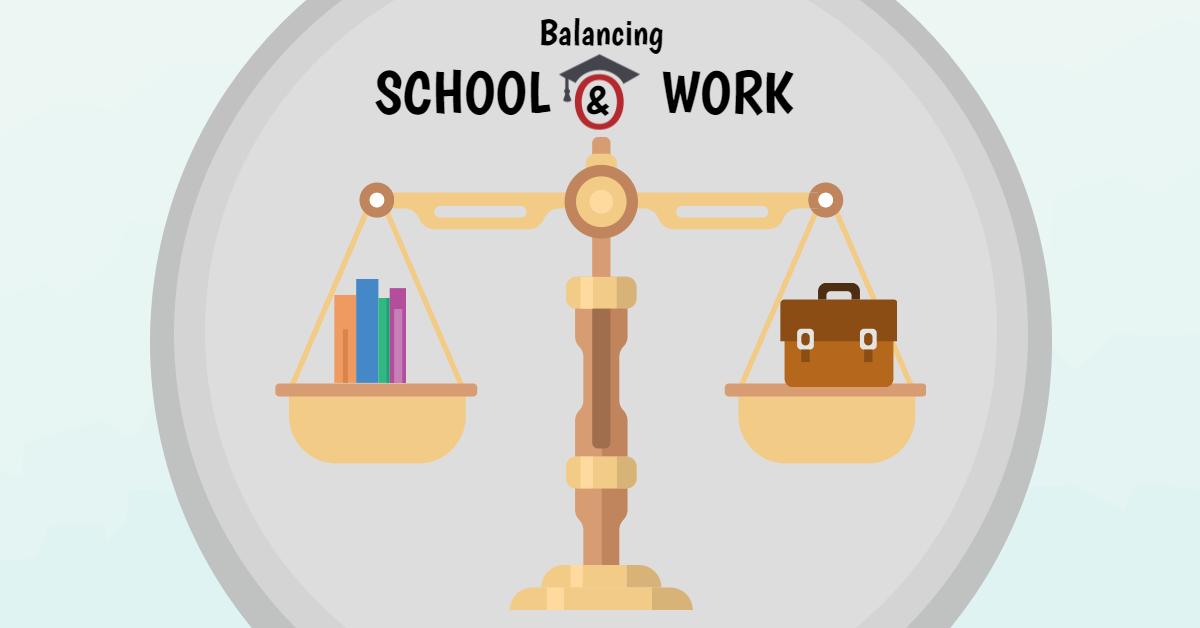
Balancing school and work can be a challenge, but it’s definitely possible with the help of the right tools. In this article, we’ll introduce you to five apps that can help you manage your time more effectively, so you can stay on top of your studies and your job without feeling overwhelmed.
Introduction
Are you a student who also works part-time? If so, you know that it can be tough to balance your time between school and work. You have to make sure you’re getting your schoolwork done, but you also need to make sure you’re earning enough money to support yourself. It can be a lot to juggle, but it’s definitely possible with the help of the right tools.
FAQ
1. What are the best apps for balancing school and work?
There are a lot of great apps that can help you balance school and work. Some of our favorites include:
- Google Calendar: This is a great app for keeping track of your appointments, classes, and work shifts. You can color-code your events so you can easily see what’s coming up.
- Todoist: This app helps you create to-do lists and track your progress. You can set deadlines for your tasks and get reminders when they’re due.
- Evernote: This app is a great way to take notes, organize your thoughts, and keep track of important information. You can create notebooks for different subjects or projects, and you can share your notes with others.
- Dropbox: This app lets you store and share files online. You can access your files from any device, so you can always get your work done, even when you’re not at home.
- Slack: This app is a great way to communicate with your team members. You can send messages, share files, and make video calls.
2. How can I use these apps to balance school and work?
These apps can help you balance school and work in a number of ways. For example, you can use Google Calendar to keep track of your appointments, classes, and work shifts. You can use Todoist to create to-do lists and track your progress. You can use Evernote to take notes, organize your thoughts, and keep track of important information. You can use Dropbox to store and share files online. You can use Slack to communicate with your team members.
3. What are some other tips for balancing school and work?
In addition to using these apps, there are a few other things you can do to balance school and work:
- Set priorities. Decide which tasks are most important and focus on those first.
- Create a schedule. Plan out your day so you know what you need to do and when you need to do it.
- Take breaks. It’s important to take breaks throughout the day to avoid burnout.
- Get help. Don’t be afraid to ask for help from your friends, family, or classmates.
Time Management Apps
Google Calendar
- Keeps track of appointments, classes, and work shifts.
- Color-code events for easy viewing.
- Set reminders for upcoming events.
- Syncs with other devices.
- Collaborate with others.
Todoist
- Create to-do lists and track progress.
- Set deadlines for tasks.
- Get reminders when tasks are due.
- Prioritize tasks.
- Share lists with others.
Evernote
- Take notes, organize thoughts, and keep track of important information.
- Create notebooks for different subjects or projects.
- Share notes with others.
- Search notes by keyword.
- Collaborate with others.
Dropbox
- Store and share files online.
- Access files from any device.
- Syncs with other devices.
- Collaborate with others.
- Share files with public links.
Slack
- Communicate with team members.
- Send messages, share files, and make video calls.
- Create channels for different topics or projects.
- Integrate with other apps.
- Collaborate with others.
Conclusion
Balancing school and work can be a challenge, but it’s definitely possible with the help of the right tools. The apps we’ve introduced you to in this article can help you manage your time more effectively, so you can stay on top of your studies and your job without feeling overwhelmed.
Keyword Tags
- Time management apps
- Balancing school and work
- Google Calendar
- Todoist
- Evernote
- Dropbox
- Slack