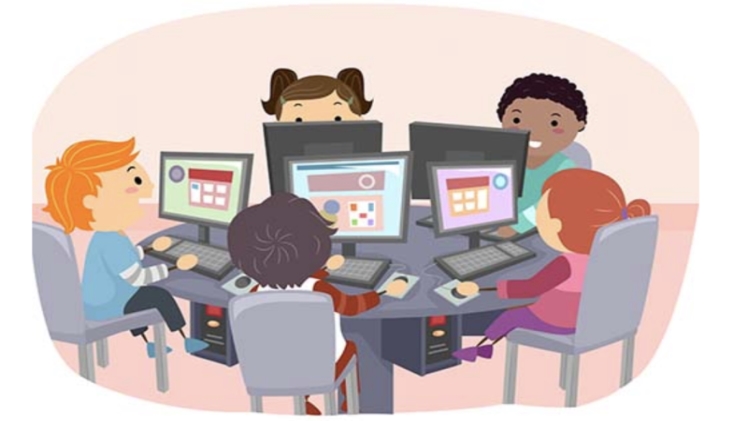
How to Use Technology for Better Note-taking and Exam Preparation
Technology has revolutionized the way we learn and study. Here are some ways to leverage technology to improve your note-taking and exam preparation:
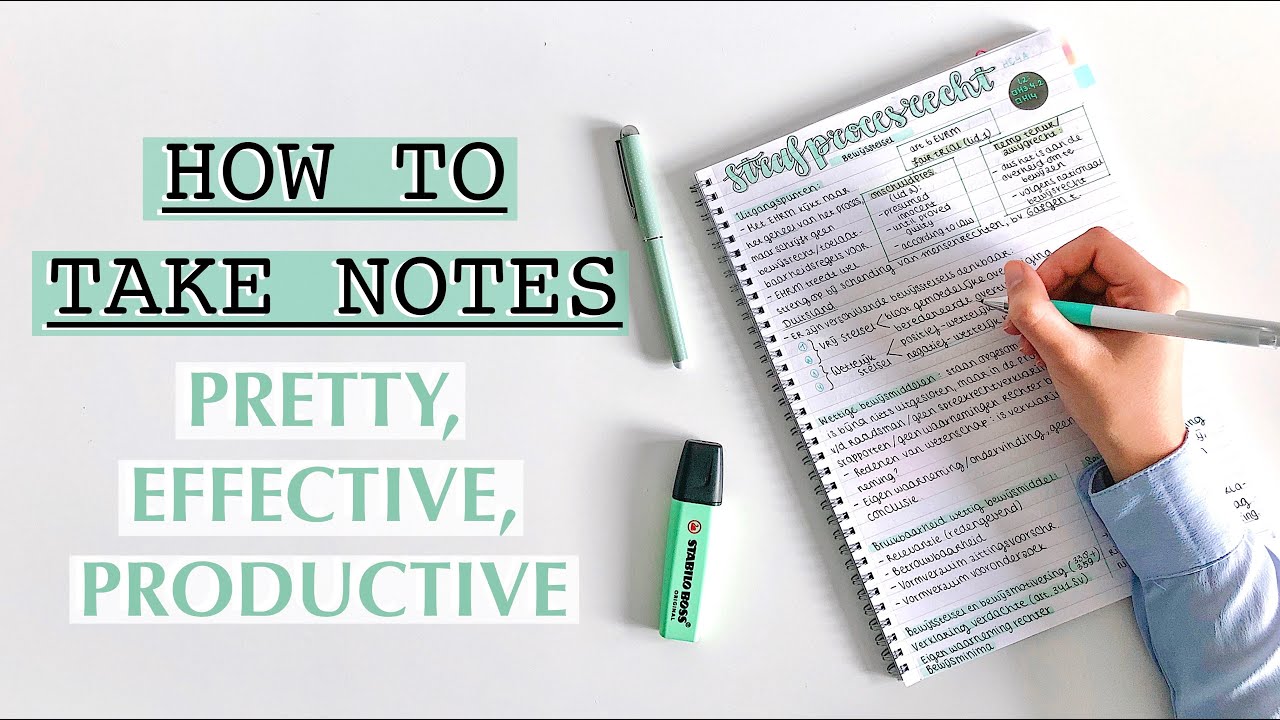
Note-taking
1. Digital Note-taking Apps:
- Evernote, OneNote, Notability: Allow you to type, write, and annotate notes digitally, making them easy to organize and search.
- Features: Create notebooks, tags, checklists, and collaborate with others.
2. Stylus and Tablets:
- Apple Pencil, Samsung S Pen: Enable you to take handwritten notes on digital devices, combining the feel of traditional note-taking with digital convenience.
- Benefits: Provides tactile feedback, allows for annotation and highlighting, and simplifies note sharing.
3. Speech-to-Text Apps:
- Dragon NaturallySpeaking, Google Docs Voice Typing: Convert spoken words into text, allowing you to take notes hands-free.
- Pros: Saves time, reduces hand fatigue, and captures ideas quickly.
Exam Preparation
1. Flashcard Apps:
- Anki, Quizlet, Memrise: Create and review flashcards using spaced repetition algorithms, which optimize your learning process by presenting questions at intervals tailored to your memorization pace.
- Benefits: Enhances recall, reduces cramming, and promotes long-term retention.
2. Online Practice Tests:
- Khan Academy, Coursera, edX: Provide practice tests that simulate exam questions, giving you a realistic assessment of your progress and identifying areas for improvement.
- Features: Instant feedback, detailed explanations, and personalized recommendations.
3. Virtual Study Groups:
- Zoom, Google Meet, Discord: Facilitate online collaboration and peer-to-peer learning.
- Advantages: Share notes, discuss concepts, ask questions, and support each other.
4. Exam Preparation Apps:
- My Study Life, Forest, Focus Keeper: Help you create study schedules, track your progress, and stay focused while studying.
- Benefits: Provides motivation, reduces procrastination, and promotes effective time management.
Other Tips
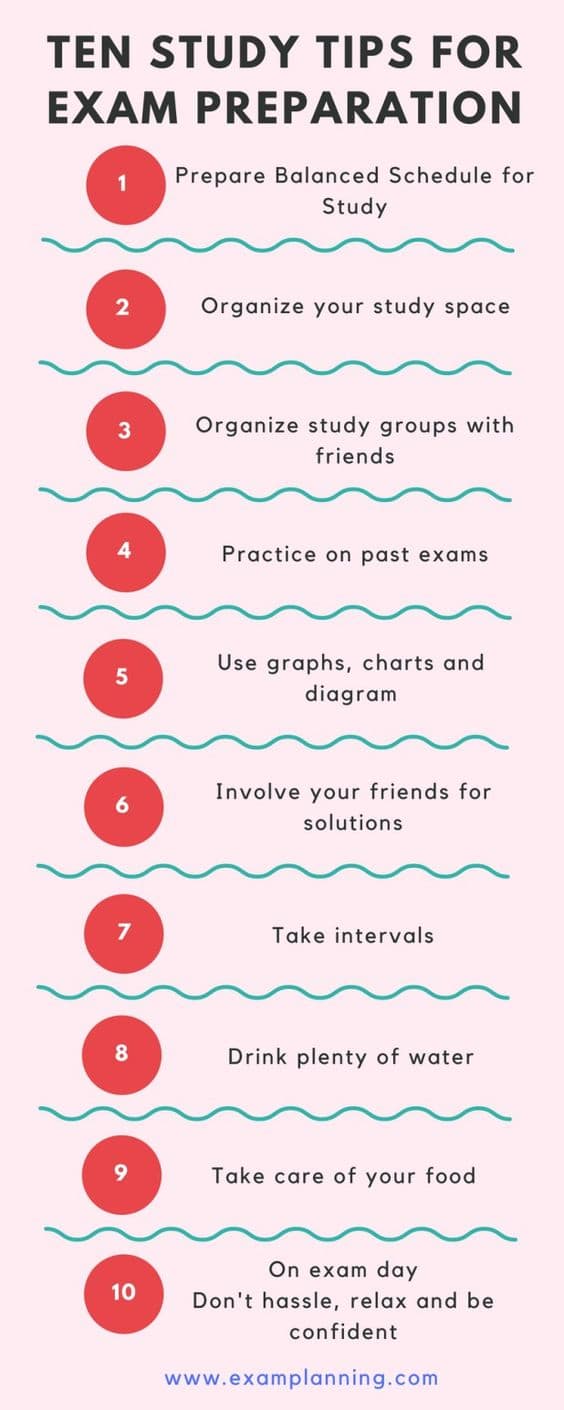
- Use a combination of technologies: Combine different apps and tools to create a customized workflow that suits your needs.
- Take advantage of cloud storage: Store notes and resources in the cloud for easy access and backup.
- Integrate technology with traditional methods: Technology can enhance traditional note-taking and exam preparation, but it should not replace them completely.
- Be selective: Don’t become overwhelmed with technology. Choose the apps and tools that provide the greatest value for your specific learning style and study habits.## How To Use Technology For Better Note-taking And Exam Preparation
Executive Summary
In this comprehensive guide, we explore how to leverage technology to enhance note-taking and exam preparation. We delve into the benefits of digital note-taking, uncover the features of effective note-taking apps, and provide tips for organizing notes for optimal retrieval. Additionally, we discuss how technology can aid in exam preparation through practice tests, personalized study plans, and collaboration tools. Embrace technology to revolutionize your note-taking and study habits, achieving academic success with greater efficiency.
Introduction
Note-taking and exam preparation are integral to academic excellence. In the digital age, technology offers a plethora of tools to enhance these processes, empowering students to learn more effectively and perform better on exams. This article examines how to harness the power of technology to optimize note-taking and exam preparation, providing practical tips and insights to help students succeed.
FAQs
1. What are the benefits of digital note-taking over traditional methods?
- Enhanced organization: Digital notes can be easily structured, tagged, and searched, allowing for quick retrieval of specific information.
- Multimedia capabilities: Digital note-taking apps support the incorporation of images, videos, and audio recordings, enriching notes and improving comprehension.
- Collaboration: Notes can be shared and collaborated on with peers, fostering teamwork and collective knowledge building.
2. What features should I look for in a note-taking app?
- Note organization: Search functionality, tagging, and hierarchical structuring to keep notes organized and easily accessible.
- Multimedia support: Ability to incorporate images, videos, and audio recordings to enhance understanding.
- Sync and backup: Automatic syncing across devices and cloud backup to ensure data safety.
3. How can technology assist in exam preparation?
- Practice tests: Digital platforms offer practice tests that simulate real exam conditions, allowing students to identify strengths and weaknesses.
- Personalized study plans: Technology can generate personalized study plans based on individual learning styles and exam requirements.
- Collaboration tools: Online study groups and forums facilitate peer support, knowledge sharing, and collaborative exam preparation.
Subtopics
Digital Note-Taking Apps
Digital note-taking apps revolutionize traditional note-taking methods with their versatility and advanced features.
- Organization and Structure: Create hierarchical folders, tags, and sub-categories to organize notes logically for seamless retrieval.
- Multimedia Integration: Insert images, videos, and audio recordings to enrich notes, enhance comprehension, and recall information more effectively.
- Cross-Device Syncing: Notes can be synced seamlessly across multiple devices, ensuring access to notes from anywhere, at any time.
- Collaboration Capabilities: Share notes with peers, collaborate on projects, and engage in real-time discussions within the app itself.
- Search Functionality: Powerful search features allow for instant retrieval of specific information, saving time and effort in finding relevant notes.
Organizing Notes
Effective organization is crucial for efficient note-taking. Here are some strategies to ensure your notes are well-structured and easy to navigate:
- Hierarchy and Structure: Organize notes into hierarchical folders, sub-folders, and subcategories to create a clear and logical structure.
- Tags and Metadata: Assign relevant tags and metadata to notes to facilitate quick filtering and retrieval based on specific criteria.
- Note Linking: Establish connections between related notes using hyperlinks or cross-referencing to enhance comprehension and context.
- Visual Aids: Incorporate mind maps, flowcharts, and diagrams to visually represent complex concepts and relationships.
- Regular Review: Regularly review and update your notes to reinforce learning, identify gaps in understanding, and enhance retention.
Technology-Assisted Exam Preparation
Technology can be a powerful ally in exam preparation, providing tools and resources to enhance learning efficiency and improve performance.
- Practice Tests and Simulations: Online platforms offer practice tests that simulate real exam conditions, including question formats, time limits, and grading rubrics.
- Personalized Study Plans: Based on individual learning styles and exam requirements, technology can generate personalized study plans that optimize preparation efforts.
- Collaboration and Peer Support: Online study groups, forums, and virtual study sessions facilitate peer collaboration, knowledge sharing, and collective problem-solving.
- Gamification and Motivation: Gamification elements and interactive learning tools can make exam preparation more engaging and motivating.
- Time Management and Tracking: Technology can assist with time management by tracking study sessions, setting reminders, and providing progress reports.
Mind Mapping for Concept Visualization
Mind mapping is a powerful technique for visualizing complex concepts, organizing information, and enhancing recall. Here are some key benefits:
- Nonlinear Structure: Mind maps allow for flexible and nonlinear organization of information, reflecting the associative nature of human thought.
- Visual Representation: Concepts are represented visually, using branches, nodes, colors, and images, making them easier to comprehend and remember.
- Enhanced Memory: The visual and spatial nature of mind maps strengthens memory and improves recall, as information is stored in a way that mimics how the brain naturally processes it.
- Improved Problem-Solving: Mind maps can be used to brainstorm solutions, identify patterns, and connect ideas, facilitating creative problem-solving.
- Increased Focus and Concentration: The process of creating a mind map engages multiple senses, increasing focus and concentration during learning and exam preparation.
Spaced Repetition for Long-Term Retention
Spaced repetition is a learning technique that involves reviewing material at increasing intervals to enhance long-term retention. Here are its key elements:
- Interval-Based Reviews: Material is reviewed at gradually increasing intervals, such as 10 minutes, 1 hour, 1 day, and so on.
- Optimized Recall: By reviewing material just before it is about to be forgotten, spaced repetition strengthens memory and improves recall over time.
- Reduced Cramming: Spaced repetition eliminates the need for last-minute cramming, as it consistently reinforces learning throughout the preparation process.
- Active Recall: Spaced repetition involves active recall, where students actively try to retrieve information from memory, rather than passively rereading notes.
- Enhanced Understanding: Repeated exposure to material deepens understanding and allows for the formation of stronger neural connections in the brain.
Conclusion
Incorporating technology into note-taking and exam preparation empowers students to learn more effectively and achieve greater academic success. By embracing digital note-taking apps, organizing notes strategically, and leveraging technology-assisted exam preparation tools, students can enhance their learning efficiency, boost their confidence, and excel in their academic endeavors. Remember, technology is a powerful tool, but it is the effective and purposeful application of technology that transforms learning and propels students towards academic excellence.
Keyword Tags
- Digital Note-Taking
- Note-Taking Apps
- Exam Preparation
- Technology-Assisted Learning
- Spaced Repetition