Pomodoro Technique Tools:
- Focus Keeper: A browser extension that helps you set and track Pomodoro timers.
- Forest: An app that grows a virtual tree for each Pomodoro session completed.
- Tomighty: A simple and customizable desktop app for managing Pomodoro sessions.
Time Tracking Apps:
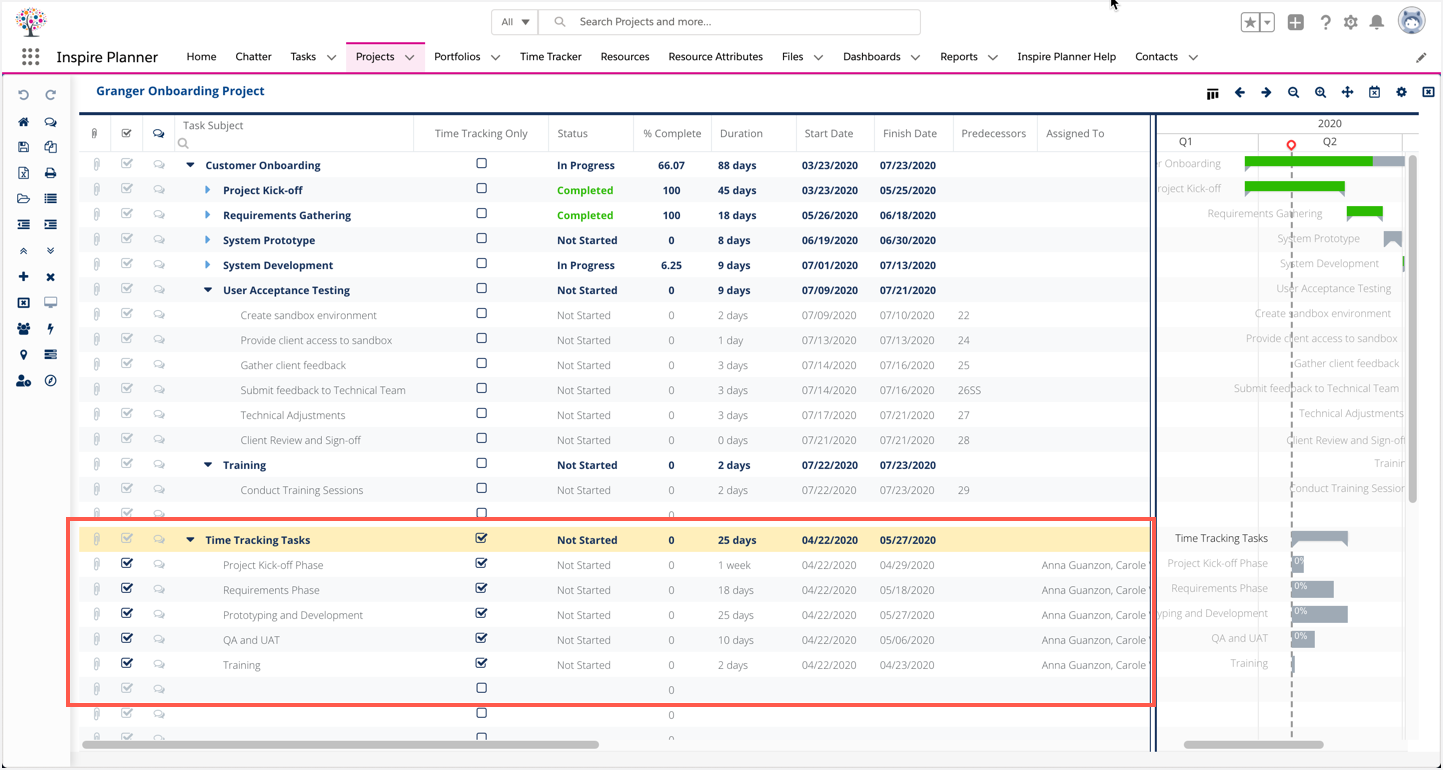
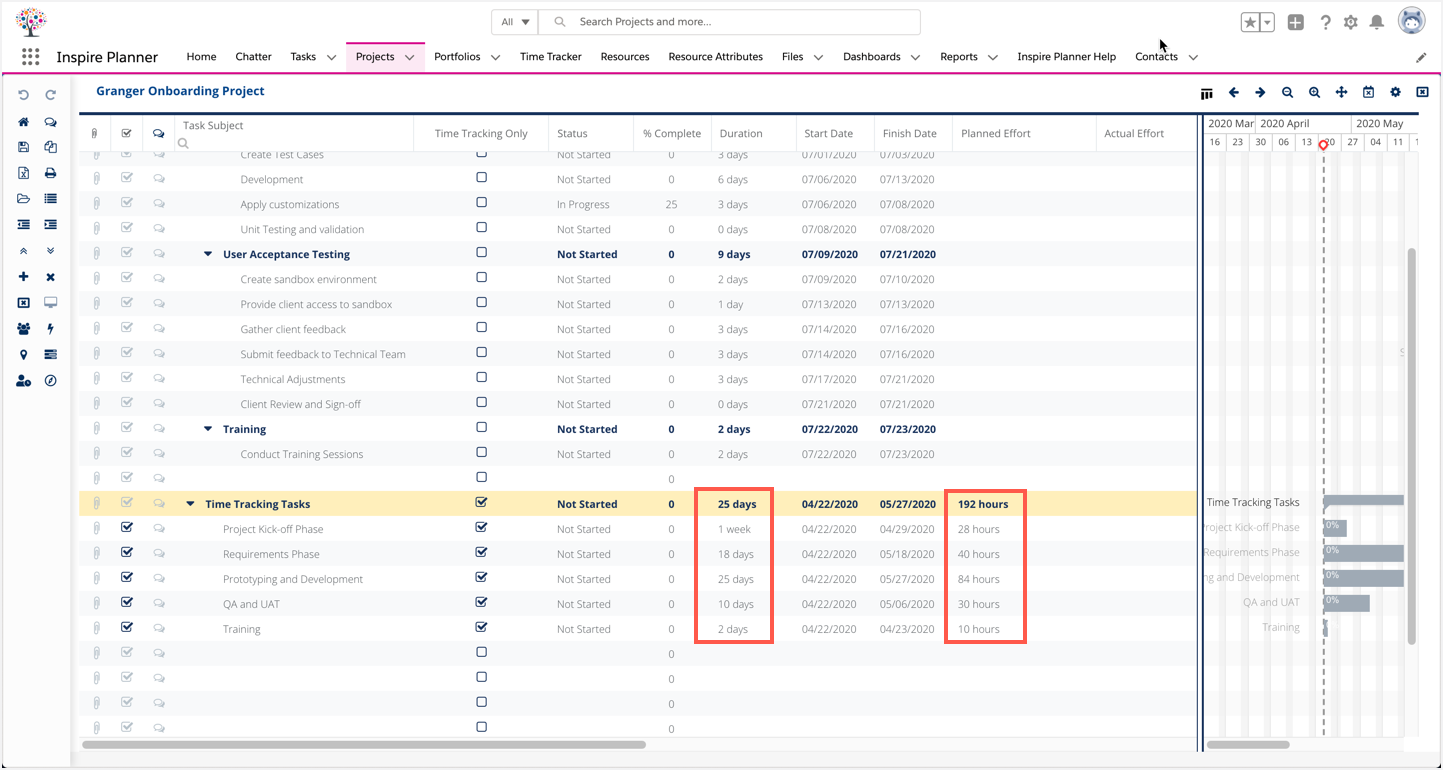
- Toggl: A versatile tool for tracking time spent on tasks, projects, and clients.
- Harvest: Similar to Toggl, with advanced features for team collaboration and invoicing.
- Time Doctor: A comprehensive time tracking solution with activity monitoring and productivity insights.
Task Management Tools with Time Tracking Features:
- Asana: Includes time tracking capabilities within tasks and allows users to set deadlines and track progress.
- Todoist: Offers a time tracking feature that can be integrated with other productivity tools.
- Trello: Allows users to track time spent on cards and boards, and can be integrated with external time tracking apps.
Other Time Tracking Tools:
- Clockify: A cloud-based time tracker that allows users to track time manually or automatically.
- DeskTime: A time tracking and analytics tool that provides insights into productivity and work patterns.
- RescueTime: A passive time tracker that automatically categorizes activities and provides detailed reports.
Benefits of Using Time Tracking Tools:
- Improved task prioritization: Identify tasks that consume the most time and allocate resources accordingly.
- Increased productivity: Quantify time spent on tasks and gain insights into where time is being wasted.
- Reduced procrastination: Set time limits for tasks and track progress to stay motivated.
- Better client communication: Accurately track time spent on client projects for accurate billing and transparency.
- Enhanced team collaboration: Track time across teams and projects to identify potential bottlenecks and areas for improvement.## Time Tracking Tools To Help You Prioritize Your Tasks
Executive Summary
In today’s fast-paced business environment, effectively managing time is crucial for success. Time tracking tools empower individuals and teams to monitor and analyze their time allocation, allowing them to identify areas for improvement, optimize workflows, and ultimately enhance productivity. By leveraging the insights provided by these tools, organizations can gain a competitive edge, boost efficiency, and achieve their goals more effectively.
Introduction
Time is a finite resource that requires careful management to maximize its value. Time tracking tools have emerged as indispensable aids in this endeavor, providing organizations with the means to track, analyze, and optimize their time utilization. These tools offer a range of features that cater to diverse business needs, enabling users to monitor project progress, identify bottlenecks, and make informed decisions to enhance productivity.
Frequently Asked Questions
1. What types of time tracking tools are available?
- Basic time trackers: These tools allow users to manually log their time spent on tasks.
- Automatic time trackers: These tools use software to automatically track time spent on different applications and websites.
- Project management tools: These tools incorporate time tracking features alongside project planning and collaboration capabilities.
2. What are the benefits of using time tracking tools?
- Improved time management: By accurately tracking time, individuals and teams can identify areas where time is being wasted or underutilized.
- Enhanced productivity: Time tracking tools provide insights into how time is spent, enabling users to optimize their schedules and eliminate distractions.
- Accurate project estimation: By tracking time spent on tasks, organizations can more accurately estimate the time required to complete projects and avoid costly delays.
3. How do I choose the right time tracking tool for my business?
Consider factors such as the size of your team, the nature of your work, and your budget. Research different tools and read reviews to find the best fit for your specific needs.
Subtopics
1. Time Management Techniques
- Pomodoro Technique: This technique involves breaking down work into 25-minute intervals separated by short breaks.
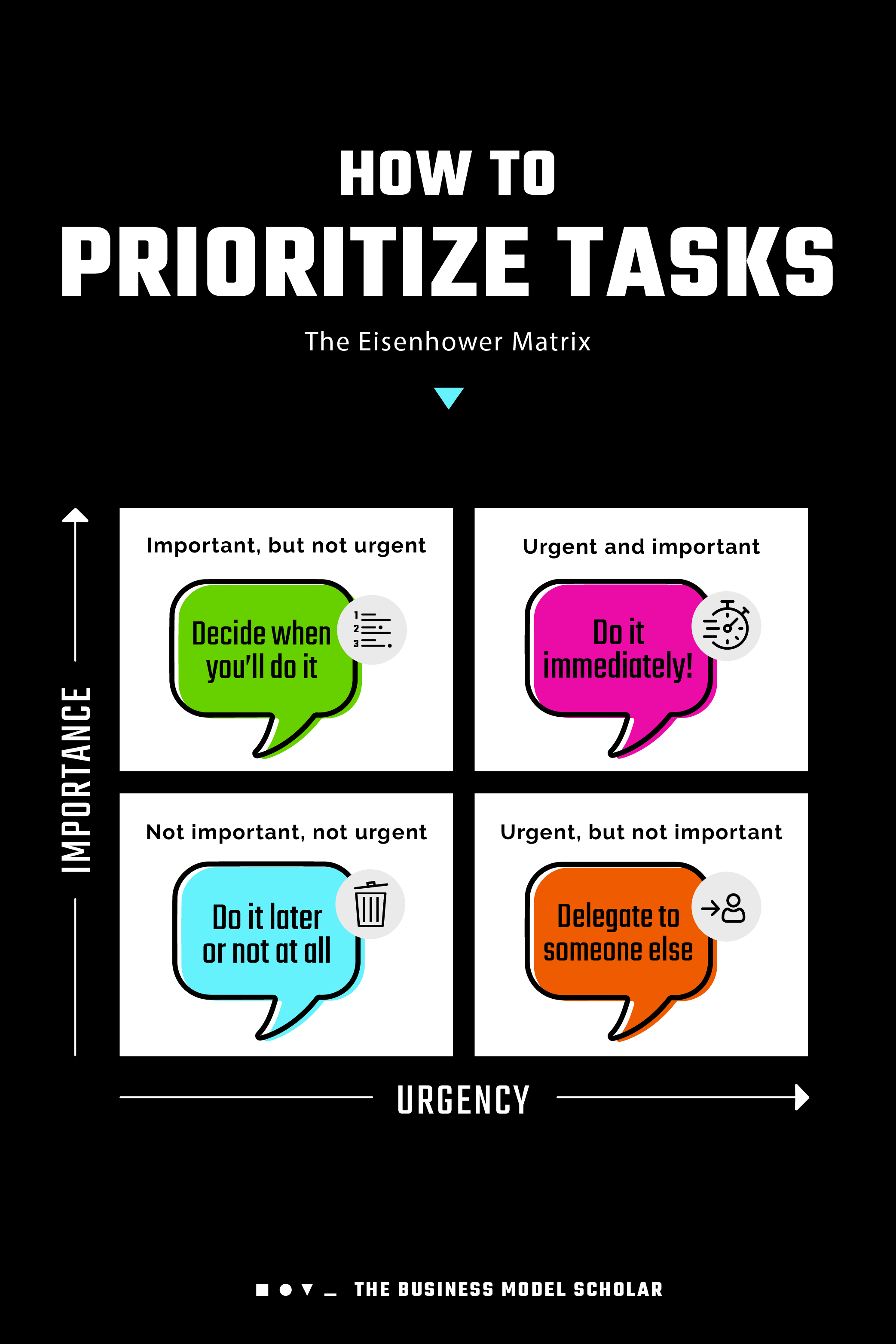
- Eisenhower Matrix: This tool helps prioritize tasks based on urgency and importance.
- Time Blocking: This method involves allocating specific time slots for different tasks throughout the day.
- Kanban Boards: These visual tools provide a clear overview of project progress and task status.
- GTD (Getting Things Done) Methodology: This system helps organize and manage tasks effectively using lists and reminders.
2. Features to Consider
- Time Tracking: The ability to manually or automatically track time spent on tasks.
- Reporting and Analytics: Tools that provide detailed reports and insights into time allocation.
- Integration with Other Tools: Compatibility with popular project management and collaboration software.
- Mobile Accessibility: Support for tracking time on mobile devices for added flexibility.
- Customization: Options to tailor the tool to suit specific business needs and preferences.
3. Benefits of Time Tracking
- Increased Productivity: Identify and eliminate time-wasting activities to enhance efficiency.
- Improved Time Management: Gain a clear understanding of how time is spent and make informed decisions.
- Enhanced Project Planning: Accurately estimate project timelines and allocate resources effectively.
- Reduced Stress: Relieve the pressure of managing time manually and gain a sense of control.
- Improved Client Billing: Track time spent on client projects for accurate invoicing.
4. Choosing the Right Tool
- Identify Business Needs: Determine the specific requirements of your organization and team.
- Evaluate Features and Functionality: Research different tools and compare their features against your needs.
- Consider Integration: Assess the compatibility of the tool with your existing systems and software.
- Test and Evaluate: Take advantage of free trials or demos to experience the tool firsthand before making a decision.
- Get User Feedback: Involve potential users in the evaluation process to gather their insights and ensure a smooth implementation.
5. Implementation and Best Practices
- Establish Clear Guidelines: Define how the tool will be used and ensure consistent tracking across the team.
- Regularly Review and Adjust: Monitor time tracking data and make adjustments to optimize processes and enhance productivity.
- Foster a Culture of Time Management: Encourage employees to value time and use the tool to improve their time utilization.
- Provide Training and Support: Ensure that users are adequately trained and supported to maximize the benefits of the tool.
- Use Time Tracking Data Wisely: Analyze data to identify areas for improvement, make informed decisions, and enhance overall efficiency.
Conclusion
In today’s competitive business landscape, time is more valuable than ever before. By leveraging time tracking tools, organizations can empower their teams to manage time effectively, prioritize tasks, and achieve their goals with greater efficiency. These tools provide invaluable insights into time allocation, enabling businesses to optimize workflows, reduce wasted effort, and ultimately drive success. By embracing the power of time tracking, organizations can unlock their full potential and stay ahead of the curve in the ever-changing global market.
Keyword Tags
- Time Tracking Tools
- Time Management
- Productivity Enhancement
- Task Prioritization
- Time Tracking Techniques